
This is a guest article written by Søren Kamper of Star Wars: Gaming
Star Wars is a franchise built around technology that survives for thousands of years. Its old PC games have not been quite so fortunate.
Revisiting a classic console release can be as simple as finding the correct hardware and inserting the game. An old PC game may demand a replacement installer, a graphics wrapper, extracted music files, a frame-rate limit and the patience to stare at a grey screen while wondering whether anything is actually happening.
That ordeal has almost become part of the appeal. Classic Star Wars games preserve old stories and design ideas, but they also preserve several generations of PC technology, including plenty that modern Windows would rather forget.
DOS Was Difficult, but at Least We Can Rebuild It
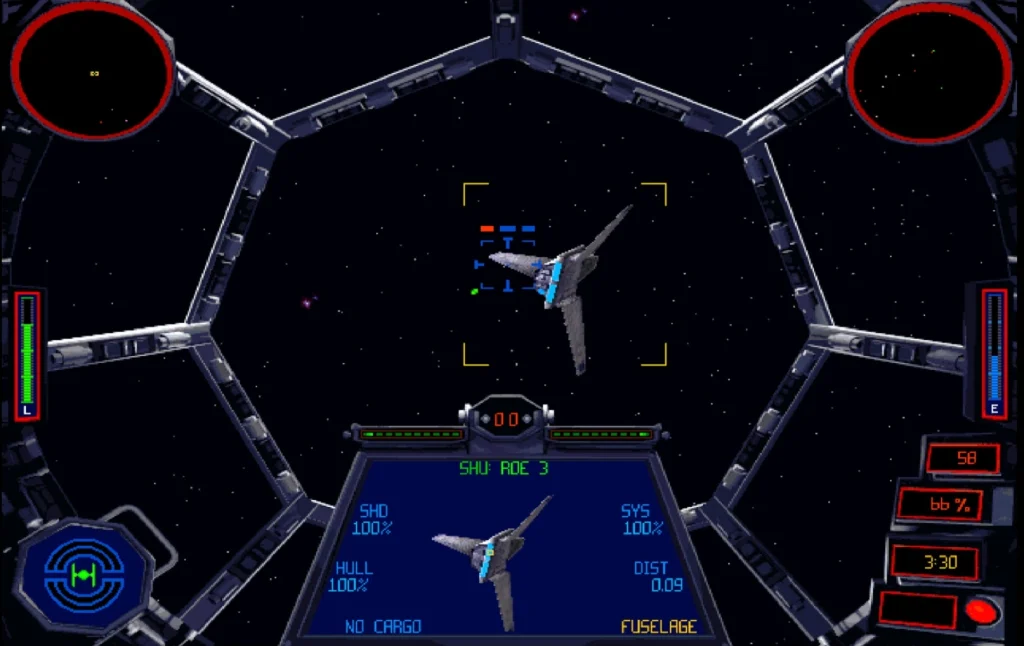
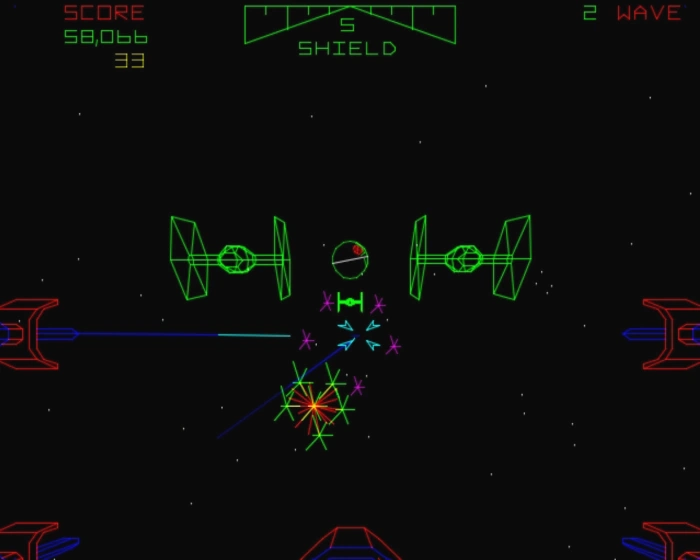
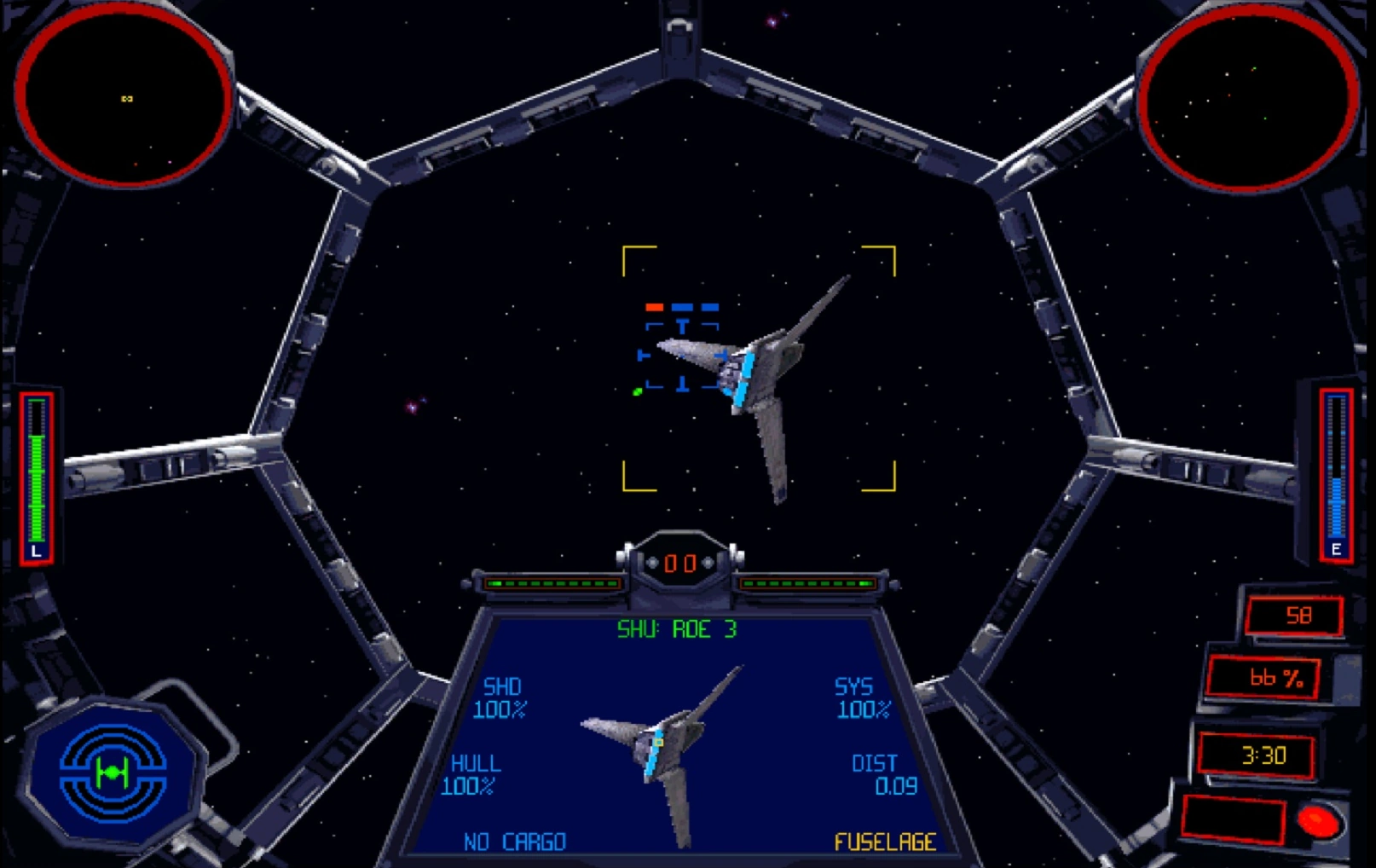
Games such as X-Wing, TIE Fighter, Rebel Assault and Dark Forces arrived when PC gaming still expected players to understand their own machines.
Sound cards had to be configured. Joysticks had to be calibrated. Conventional memory mattered. MIDI hardware could completely change how a soundtrack sounded, and a game working on one family computer did not guarantee it would behave on another.
DOS games have since gained one major preservation advantage: their old environment can be recreated. DOSBox lets modern players emulate the kind of machine these games expected, rather than asking the games to understand a current version of Windows.
The complication is that several Star Wars games exist in multiple PC editions. The original floppy or DOS release may not behave like the later CD-ROM version. Collector’s editions could replace music, voices or graphics technology. Searching for the “best” version can quickly become a choice between releases that are not quite the same game.
Looking through the complete list of every Star Wars video game ever made, the PC catalogue reads like a timeline of changing standards. DOS gave way to Windows, software rendering gave way to 3D acceleration, and CD-ROM drives briefly seemed as essential as the keyboard.
Oddly, the oldest games are not always the hardest to preserve. DOS is now a reasonably well-understood target. The awkward period came next.
Windows 95 Started the Real Compatibility War
Early Windows gaming promised to make PC games easier. No more boot disks. No more manually choosing a Sound Blaster model. Just insert the disc, click Install and enter the future. Unfortunately, that future was built around installers, graphics systems and security assumptions that did not remain standard for very long.
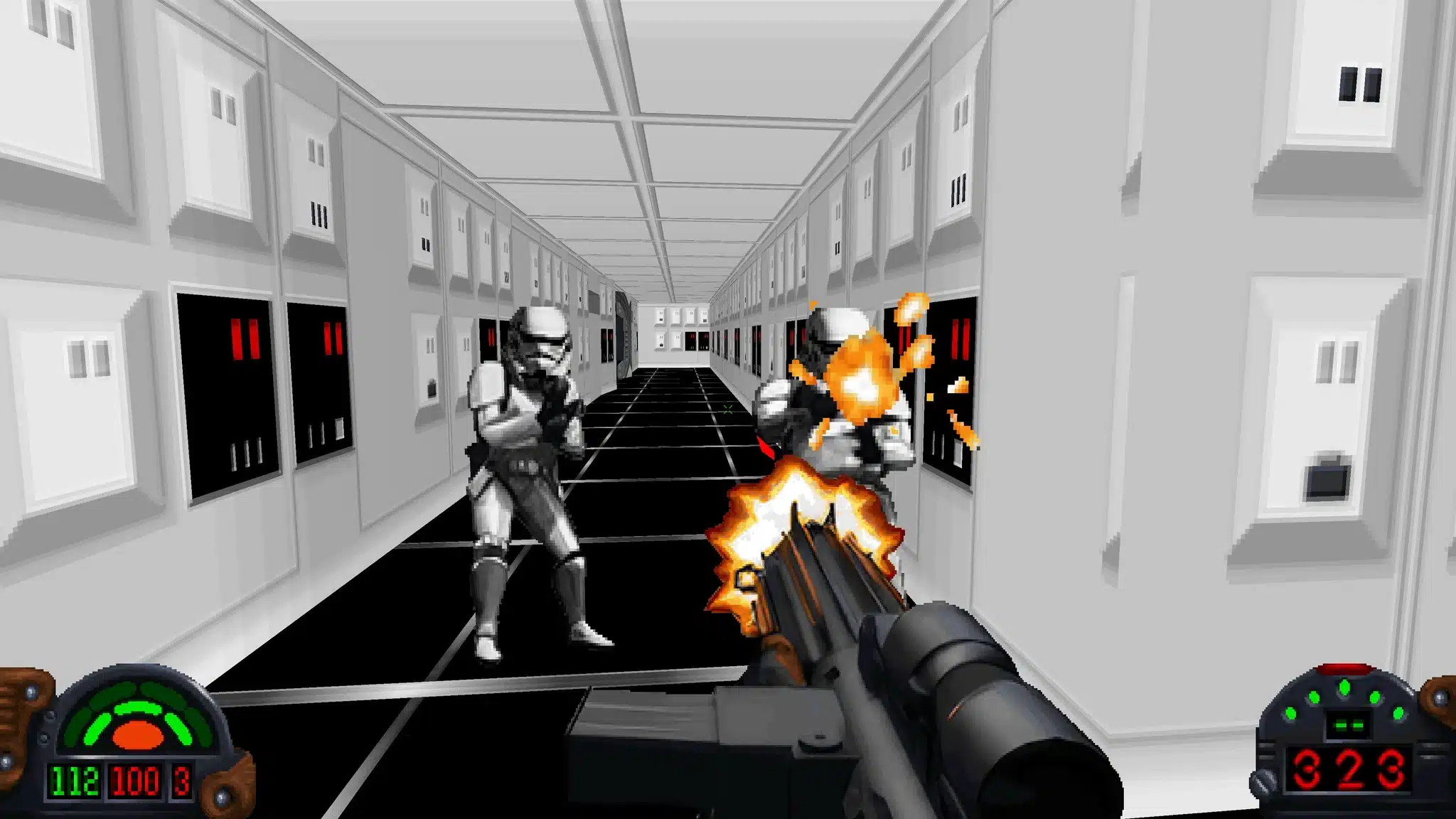
Star Wars Jedi Knight: Dark Forces II is a perfect example. The game remains one of LucasArts’ best adventures, but getting the original PC release into a comfortable modern state can involve far more than ticking a compatibility box.
As covered in the Jedi Knight installation and compatibility guide, modern players may have to deal with installation problems, multiple DirectDraw solutions, missing music, awkward mouse behaviour and save files written inside the installation directory.
That last problem appears repeatedly in old Windows games. They were often designed to save progress beside the main executable. Modern Windows treats folders such as Program Files as protected territory, which can leave a game apparently running normally until it quietly refuses to remember anything you did.
Then there is Shadows of the Empire, a game that can turn installation into an unofficial bonus mission.
The Shadows of the Empire compatibility guide shows just how troublesome the release can be. A 64-bit system may require a replacement installer. Graphics can require WineD3D or DXWnd. CD music must be extracted and named correctly. The game may run too quickly, controllers may interfere even when disabled, and a grey startup screen can last long enough to convince a reasonable person that the program has crashed.
This is where “the game launches” stops being a useful definition of compatibility. If the cutscenes are corrupted, the music is absent, the controls are broken and the simulation speed is wrong, the executable may be alive, but the experience is not.
Smaller releases such as Yoda Stories and DroidWorks were never expected to become preservation projects. They were ordinary software built for the Windows machines sitting in homes and schools at the time. Decades later, that ordinary software can be harder to revive than a major DOS title with an established fan community.
When 3D Acceleration Became Ancient Technology
The late 1990s were exciting years for PC graphics, mostly because nobody had settled on how PC graphics should work.
A game might offer software rendering, Direct3D, Glide or support tailored to a particular family of accelerator cards. Having options was wonderful when the hardware was new. It became less wonderful once those APIs, drivers and manufacturers disappeared.
Star Wars: Rogue Squadron 3D sits squarely in that period. It was an impressive PC showcase, but the original release now has to negotiate modern operating systems, installation problems, graphics wrappers and controllers that did not exist when the game was built.
The Rogue Squadron 3D guide demonstrates some of the frustrating trade-offs involved. One setup may improve rendering but introduce crashes. Another may be more stable but require different fixes.
The player is no longer simply configuring a game. They are choosing which collection of compromises best suits their computer.
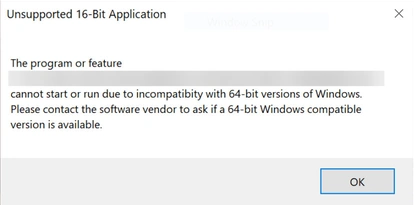
Episode I Racer, The Phantom Menace and Force Commander add more examples from the same technological borderland. Sixteen-bit installers do not run on modern 64-bit Windows. Early DirectX games may open to black screens or corrupted colours. A modern processor can expose timing assumptions that nobody noticed in 1999. Even the mouse cursor can become a compatibility issue. Replacement installers have been produced for some games, including Episode 1 Racer, which Play-Old-PC-Games.com covered way back in 2015.
This is also why universal instructions are difficult. A fix that works perfectly on one graphics card may fail on another. Comments below an old guide often become a second guide, documenting new wrappers, driver changes and combinations of settings discovered years after publication.
PC software preservation work is never finished, it is an ongoing negotiation between old software and new hardware.
The Community Became the Preservation Department
Publishers have made many classic Star Wars games easier to buy again, and modern digital releases can remove some of the worst installation problems. Access matters, but it is only the beginning.
A store can keep an installer available. Communities are often the ones who restore missing music, correct aspect ratios, build replacement launchers, fix mouse controls and find ways around graphics APIs that modern hardware no longer supports.
Tools such as DOSBox, DXWnd, dgVoodoo2, nGlide and WineD3D have become a shared translation layer between different eras of PC gaming.
The collection of PC game compatibility tools reflects the fact that no single solution covers every game. One title needs its old operating environment recreated. Another needs ancient DirectX calls translated into something a modern graphics card understands. A third simply needs its installer replaced.
Fan work also raises an interesting question: when does preservation become remastering? A widescreen fix may suit a modern display but reveal scenery that was never meant to be visible. Texture packs can clean up old surfaces while changing the original visual character. Modern controller support may make a game more enjoyable, even though it removes some of the awkwardness players experienced at release.
There is no single correct answer. Sometimes authenticity means preserving every limitation. Sometimes it means removing the technical barriers standing between the player and the game underneath.
The Strange Satisfaction of Making It Work
Nobody should pretend that broken installers and missing music are inherently charming. A game refusing to start is not a hidden feature, and fighting Windows permissions is rarely anybody’s favourite part of the evening.
Still, there is a particular satisfaction in getting an old PC game working properly. You learn how it was built, what hardware it expected and which parts of the experience were tied to technologies that disappeared. When the LucasArts logo finally appears, the victory feels more personal because the modern computer did not want to cooperate.
Classic Star Wars PC games are worth preserving because many remain excellent. Together they also tell a second story about the rapid evolution of home computers and the communities that refused to leave their favourite games behind.
Sometimes the first mission is destroying the Death Star, sometimes it is getting the installer to open.