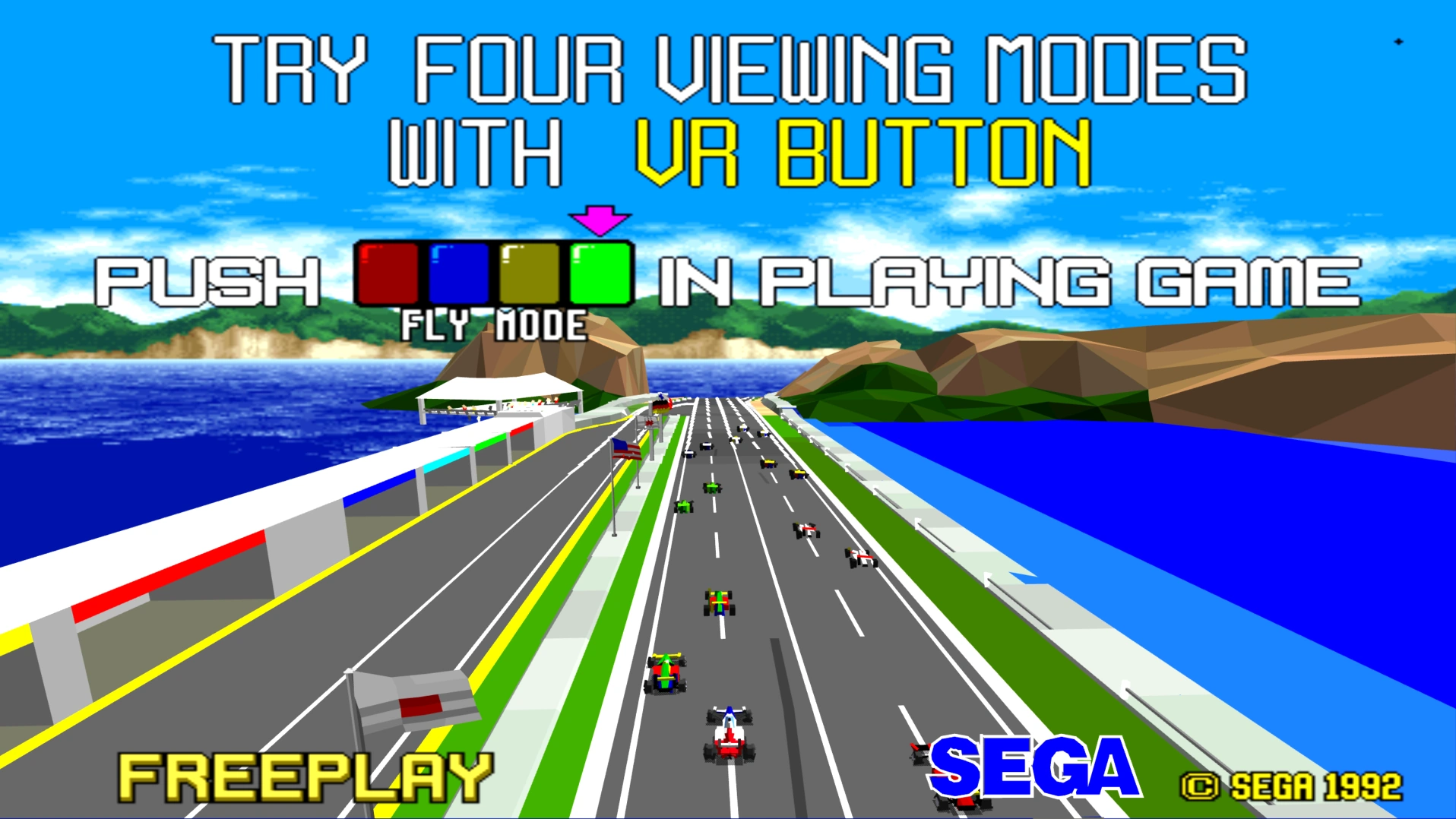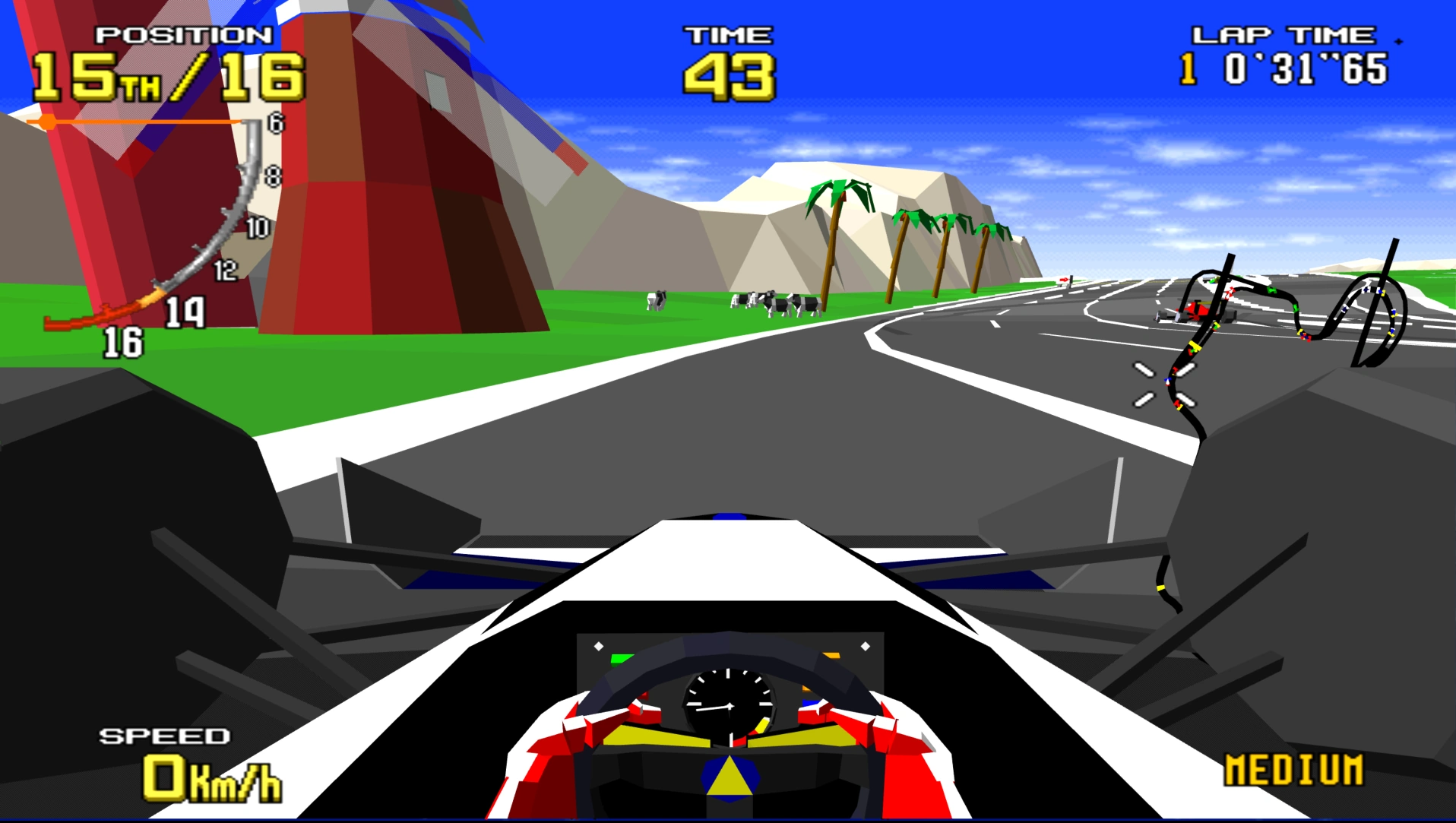
It may look primitive now, but back in 1992, Virtua Racing looked and felt like the future. Sure, the polygons looked like child’s building blocks next to sprite based racers of the era, but this was real 3D, with a real camera you could reposition, moving at a locked 30 frames a second. Not only that, the game had the usual Sega flare and pizazz, with excellent presentation and sound design that made the most of the limited ROM space on the board. Even the cars themselves sounded futuristic, with an engine noise that was subtly different from a real combustion engine. Nothing with the same speed and fluidity existed on the home systems of the time. Needless to say, as impressionable teenagers, the arcade game ate many of our coins back in the early 90s.
Now, this playable and historically significant racing game comes to the PC, thanks to the porting efforts of a user who goes by the name “wanszai”. More accurately, the build is described as a custom emulator, designed specifically for the arcade version of Virtua Racing, which makes it look and feel like a dedicated PC port. Regardless, the end result is spectacular and, with one possible exception that we will discuss later, the definitive way to play Virtua Racing at home.
Installation
The game can be installed by first downloading the Virtua Racing PC port from the Github page here. At the time of writing, the latest build was 1.02b. The game is downloaded as a zip file and does not have an installer, so simply extract it to any convenient location on your PC.
Before you can play the game you will also need to find a copy of the games program ROMs. Strictly speaking, you’re only allowed to do this if you own a copy of the arcade game or the ROMs from an arcade board, so we cannot link to this file. We can tell you it is the same ROM set as used by the popular emulator MAME and that the file should be named “vr.zip”.
Once you’ve found your ROM files, copy them to the “roms” subfolder in the directory where you extracted the Virtua Racing game files to. The game is now ready to start, simply click on the “VR.exe” icon in the games folder.
Configuring Options
There are a few options you might want to be aware of when setting up the game. Let’s start by taking a look at the video settings. Start the game and use your controller, or the arrow keys and enter, to choose “Options” and then “Video Settings”.
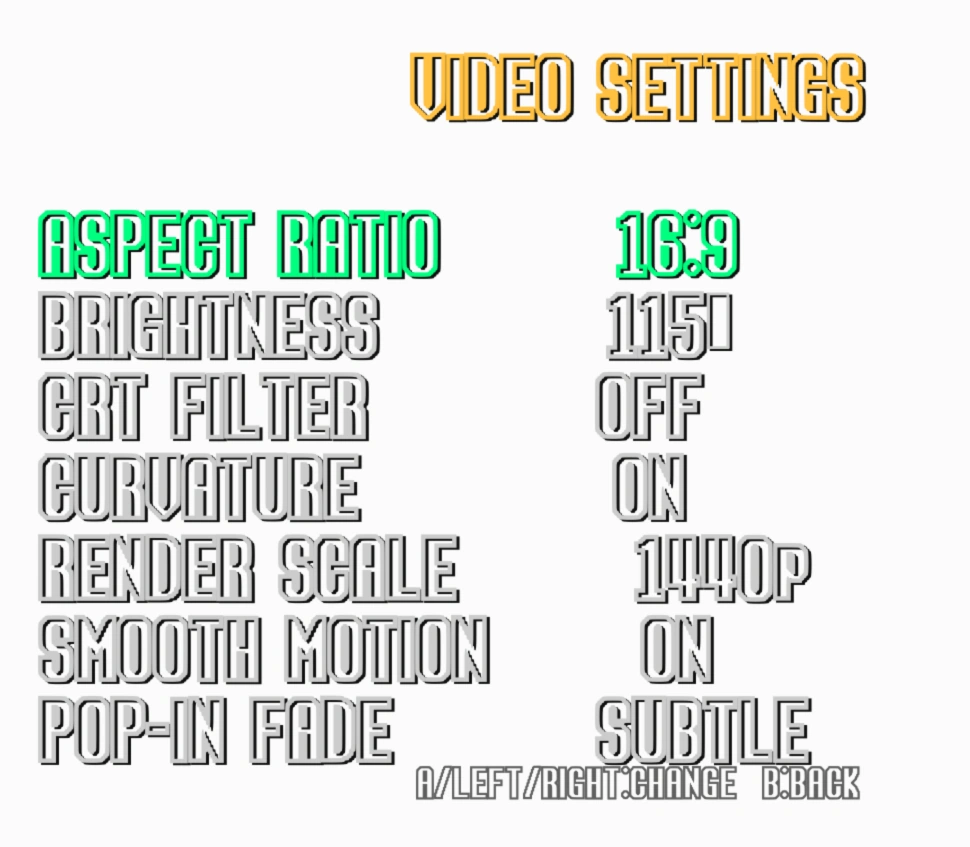
Aspect Ratio:- This should generally be left as 16:9, unless you want the true retro feeling of a 4:3 aspect ratio. Virtua Racing had both 4:3 and 16:9 variations when it was in the arcades, so the game supports both. Setting 4:3 mode will add black borders to the sides of the screen. Perhaps confusingly, when running the game on an older PC with a 4:3 CRT monitor, we found we had to select 16:9 mode rather than 4:3 in order to get the game to fill the screen.
Brightness:- This control should generally not need any adjustment, but feel free to adjust it to suit your tastes. As always, be aware that increasing the brightness too high may start to clip detail in brighter parts of the image.
CRT Filter:– Adds some graphical effects to mimic the look of older CRT monitors. If, like me, you remember the age of the cathode ray tube with some fondness, then try these filters out, otherwise turn them off for the crispest, brightest presentation.
Curvature:– Another CRT simulation feature, turn this setting on to emulate the slight curve that CRT monitors always had to their image.
Render Scale:– Generally this should match the output resolution of your monitor, unless you are aiming for a more authentic, retro look, in which case set the scale to 720p, or adjust to taste.
Smooth Motion:– The original Virtua Racing ran at 30 frames per second. This felt butter smooth back in the early 90s but is rather jarring by modern standards. Turning smooth motion on aims to “fake a 60 FPS polygon renderer”. How it does this isn’t explained in the games readme file, but probably by some kind of frame doubling or similar. Try this setting on and off and see which you like best.
Pop-in Fade:– Early 3D games often suffered from “pop in”. Since the hardware of the time wasn’t powerful enough to render graphics all the way to the horizon, graphics in the distance would suddenly “pop in” to reality as they entered within the games draw distance. Turning on this option allows them to fade into reality instead, masking the games limited draw distance somewhat.
Unusually for a modern PC release, there is no support for running the game in a window, and only 16:9 and 4:3 monitors are supported.
Configuring controllers
The game should support Xbox controllers without any reconfiguration. For other types of controller you can re-map the buttons by going to “Options” and then “Controller Settings”.
One feature that will no doubt excite a small but very enthusiastic crowd is the addition of full racing wheel and pedal support. Unfortunately we lack both the space and the budget for a dedicated racing setup but if you’re lucky enough to have one, the video below demonstrates everything you might need to know to set it up with Virtua Racing.
Playing Multiplayer
The game supports multiplayer over both your local network (known here as “system link”) or over the internet. Playing either mode may require you to configure your firewall. If you have a third party firewall (e.g Portmaster) you may need to specifically configure it to allow multicast traffic for the game.
To play on the LAN, simply set one PC to Host, and the other to Guest. The guest PC should find the host PC automatically. If it does not, or if you cannot establish a stable connection, check your firewall settings.
Internet games work in the same way. One friend needs to host the game, while another friend finds and joins it. When we checked for online games we didn’t find any, but we do intend to revisit this mode at a later date, when we can coordinate with a friend and attempt to organise a game.
Is this the best way to play Virtua Racing in 2026?
This version of the game is without doubt the best way currently to play the game on a PC. There was never an official port of the game to PCs. The game is supported in the popular arcade emulator MAME, but this new version plays significantly better as a standalone title.
The game did get a number of home ports. Back in the 90s it was converted to the Sega Megadrive/Genesis, 32x and Sega Saturn. The Genesis version required a special co-processor chip in the cartridge in order to run the game. Predictably, even with this extra grunt, this version is rather a pale imitation of the coin op. The 32x and Saturn versions of the game were made without access to the games source code and play more like remixed versions than actual conversions. They both contain extra, unique content and are worth checking out if you’re a fan, but they still rather pale in comparison to the original.
A little known version of the game also came to the PlayStation 2 in Japan only, known as “Virtua Racing FlatOut”. Once again, this version is more of a remix/re-imagining of the original rather than a direct conversion, but is well worth checking out. It also includes exclusive content not found in other versions and It is the first home version that looks as good as the arcade original, but also runs at twice the frame rate.
All things considered, even with the interesting PS2 version, the PC version here would, for most people, easily win as the “definitive” Virtua Racing experience, were it not for the Nintendo Switch version.
The Switch version of the game, full title “SEGA AGES Virtua Racing”, arrived back in 2019. It’s a faithful conversion of the coin op but with improved draw distances, native 1080p resolutions and locked 60 frames per second game play. It is, perhaps, the Virtua Racing you remember through your rose-tinted nostalgia goggles. All the original courses are here in this version, along with new game modes, online leader boards, local and online multiplayer and replays.
Despite being such a good highly polished version, there are some reasons to prefer this new PC version over the Switch version, specifically:-
- The Nintendo Switch does not have analogue triggers, meaning input in the game is limited to digital only for the accelerator and brake pedals.
- The PC version fully supports race wheels, pedals and racing sim setups. Such setups generally do not exist on the Nintendo Switch, certainly not to the extent that they do on the PC.
- The PC version has free multiplayer, while an online subscription is required to play multiplayer on the Nintendo Switch.
If you have a Nintendo Switch we suggest picking up the Switch version of the game as well as the PC version. They both perform extremely well and by buying the official Switch port, you are supporting the original developers, which is a nice way to say thank you for the game.
To be completely thorough, we should mention this same port/custom emulation also has a version which runs on the Xbox 360 and Xbox Series consoles. Should playing on these consoles be more convenient for you, these versions perform almost identically to the PC build.
Screenshots