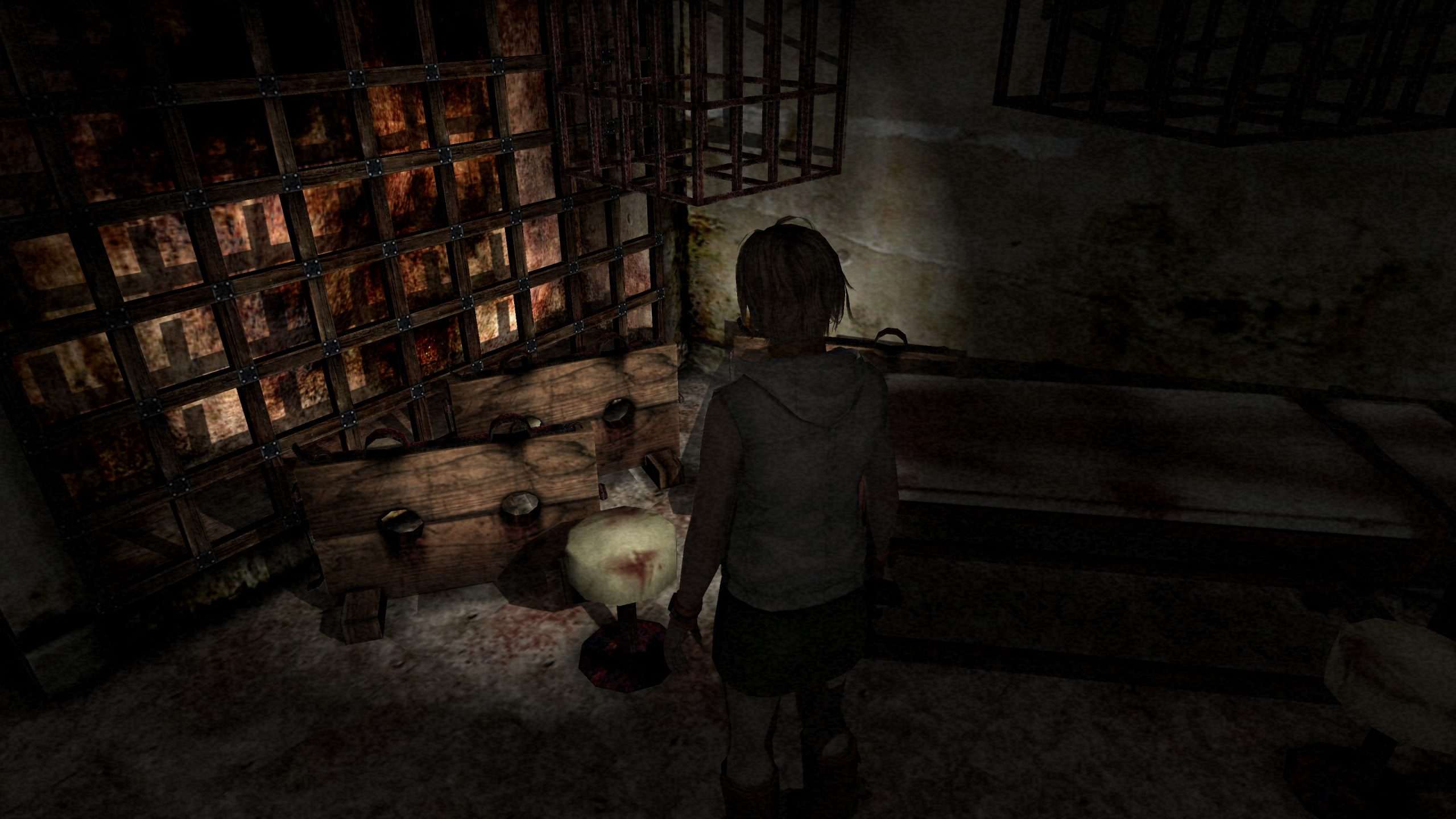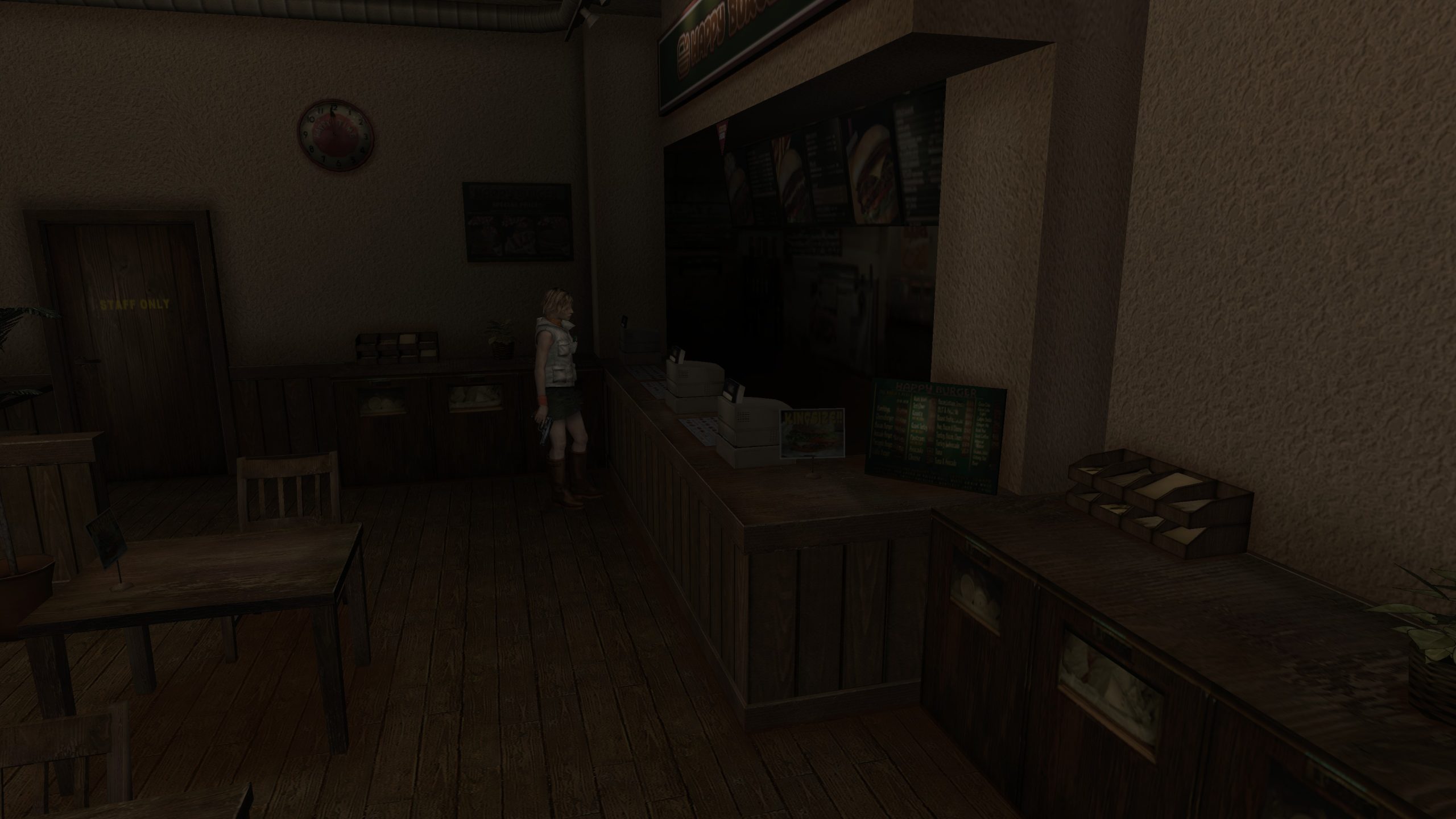
One minute you’re a carefree young woman visiting a shopping mall, the next you’re fighting off shambling monsters and dealing with a satanic cult. At least that’s the case if you’re unfortunate enough to be Heather Mason, the main character in the third Silent Hill video game. While the Resident Evil series always focused on pseudo-scientific monsters created from pathogens and other real world concepts, Silent Hill delves more into the occult; demons, monsters and ancient curses. The nightmare worlds that the games contain have terrified and fascinated fans since the first game hit the PlayStation in 1999. This third instalment came to the PC in 2003 to a mostly positive reception and is still well worth a play for survival horror game fans.
Installation
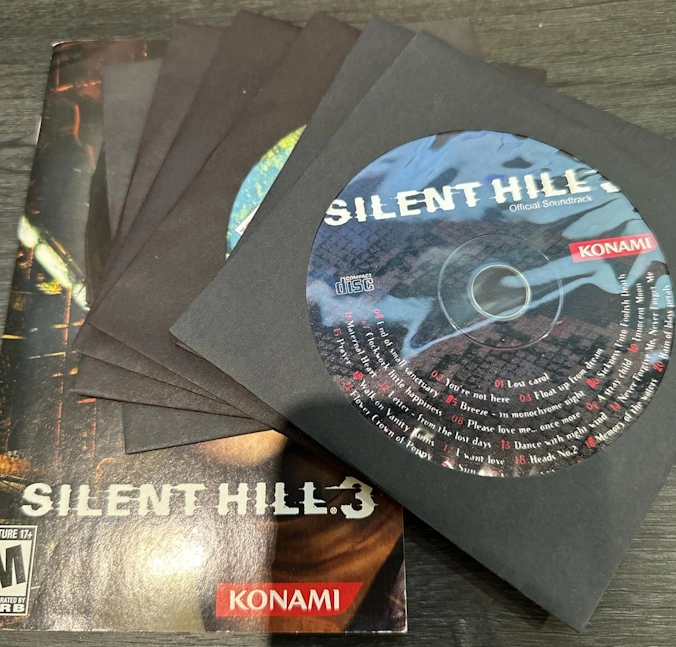
There are at least two different version of Silent Hill 3 sold at retail, one version comes on a DVD disc, another comes on 4 CD-ROM discs and also includes a fifth CD with the games soundtrack. We tested the CD-ROM version for this article though the DVD version should behave just the same. The game should install just fine on Windows 11. Note that the installer will, by default, install the game to the “program files (x86)” directory. We strongly recommend that you change this to another folder that you created yourself, such as “Games”. This should avoid any issues with file permissions when we come to install mods and community fixes later.
As long as you remember to change the installation directory, Installing the game is the easy part. If you’re not fully confident with patching and installing the community fixes, you might want to take a backup of the install directory now, just so you can roll back if something goes wrong.
Copy Protection Problems
In order to play Silent Hill 3 on a modern machine you should install not one but two fixes/enhancements, the Silent Hill 3 PC Fix by Steam006 and then the Silent Hill 3 Audio Enhancement Pack. These patches will not only ensure that the game runs smoothly and without crashing on your modern rig, but further enhance the PC release so that the sound quality is as good as the PlayStation 2 version.
Unfortunately in order to install the Silent Hill 3 PC Fix, you need a de-protected or “cracked” version of the game. Sadly due to copyright law we’re not able to link to such a file here. We can tell you that the executable we used was by the cracking group “Deviance” and had a MD5 signature of 013A2AC2E9C454B0C008CF492439F699.
Once you obtain this cracked executable from the darker corners of the internet, simply copy it into your Silent Hill 3 game folder, overwriting the existing sh3.exe. You are now ready to install the Silent Hill 3 PC Fix.
Silent Hill 3 PC Fix
This package contains most of the community fixes for the game. It should be considered the bare minimum required to play the game on a modern PC. You can download the fix from the PC Gaming Wiki here.
The fix is downloaded as a zip file. To install the fix, you first need to unpack all of the files (if prompted for a password, use “pcgw”). Once unpacked, copy all the files to your Silent Hill 3 install folder, overwriting as necessary.
In your Silent Hill 3 game folder now, you should be able to see a file called “Silent_Hill_3_PC_Fix.ini”. You can edit this file using notepad or your text editor of choice to fine tune some of the settings if you wish, but the default values should be fine for most users. As well as being able to tweak various settings for the game, there are also some cheat options in this file that you can enable if you’re struggling to progress.
With the fix installed, you could go right ahead and start playing the game, but if you want the very best Silent Hill 3 experience, we strongly recommend installing the audio enhancement pack too.
Silent Hill 3 Audio Enhancement Pack
For reasons known only to Konami themselves, the PC version of Silent Hill 3 has inferior sound quality to the PlayStation 2 version. Fortunately this can be fixed using the Silent Hill 3 Audio Enhancement Pack.
This mod uses the “Reloaded II” mod manager to install and run itself. If you do not have any other games on your PC that use this mod manager, you can use the download that includes Reloaded II. If you already have Reloaded II on your PC, you will want to use the download that does NOT include it. To add a mod to Reloaded II, follow the quick start guide here.
A quick note about installing Reloaded II. By default, Reloaded II will install itself to your desktop, which is an unusual place for an app to install itself to, but there’s nothing particularly wrong with it. However, if you practise good security on your Windows PC, and use a separate standard user account for your day to day computing activities, you may run into further difficulties. You may find that Reloaded II insists on running itself as administrator, or either refuses to start entirely or fails to start the desired mods.
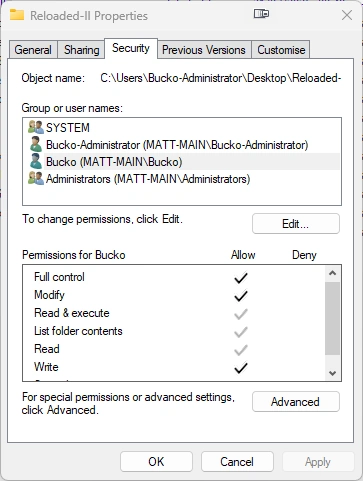
To work around this limitation, you can give your standard user account full read/write permissions to the Reloaded II folder. You do this by browsing to the folder in Explorer and then right clicking on it and choosing “Properties”. In the window that then appears, choose “Security”. Ensure that your standard user account has “Full control” over the Reloaded II folder.
You will need to start the game through the Reloaded II mod manager every time you play in order to enable the Audio Enhancement Pack. You can create a Shortcut for your desktop or Start Menu by clicking the “Create Shortcut” link within Reloaded II. Once you have done this, start the game using this shortcut rather than the default one.
Configuring Controllers
While the game shipped with support for gamepads, unfortunately it has difficulty recognising some of the inputs on more modern controllers. If you have an older DirectInput gamepad, you should be good to go. If you have a more modern controller, such as an Xbox controller however, you will need to follow these steps on the PC Gaming Wiki in order to get your pad working properly. We followed the instructions for “Xidi”, copying in the configuration files as given on that page and everything worked beautifully. Unless you’re running a legacy version of Windows for some reason (Windows 8 or earlier) this should be the easiest way of getting your controller working.
Is this the best version of Silent Hill 3?
Many fans consider this PC version with all the fixes installed to be the definitive version of the game. In 2012 Konami released the “Silent Hill HD Collection” which included remasters of both Silent Hill 2 and Silent Hill 3. The collection only appeared on the PS3 and Xbox 360 and targeted 720p resolution, which was typical for games on those systems. Despite having slightly improved textures, the release was plagued with technical problems that were never addressed. The remasters also changed voice actors for the third game, with no option to switch back to the originals. While most of the complaints were directed to the Silent Hill 2 remaster, the third game also suffered from various technical glitches.
Emulating the PS2 version is also an option for modern PCs and this option is still preferred by some fans. Modern PS2 emulators include all kinds of visual enhancements, making the experience very similar to the native PC port. The PC version has a more effective widescreen fix and with the audio enhancement pack installed the audio is the same between both versions.
Screenshots