
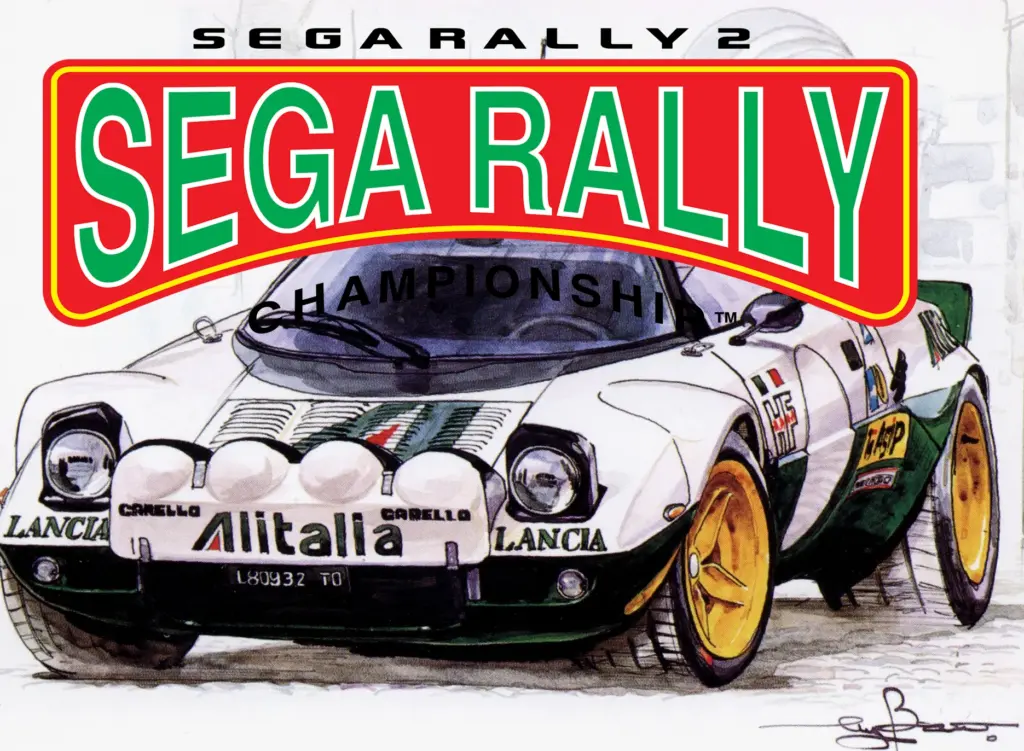
When it comes to the no-nonsense, raw thrills of arcade racing, nobody does it better than Sega, who have consistently produced the most polished and critically acclaimed coin-ops. Sega Rally 2 hit the arcades back in 1998 to a rapturous welcome from gamers. Later, the game was ported to the then new Dreamcast console and eventually to Windows PCs. The PC port was functionally decent for the time but unfortunately suffered from some compatibility issues on anything other than Windows 98 machines, limiting its ability to run on newer hardware. Luckily, thanks to a dedicated fanbase, the classic arcade racer is back and better than ever on modern PCs.
Twenty five years later
The secret to getting Sega Rally 2 running on a modern PC is to use the entirely unofficial “Sega Rally 2 – 25th Anniversary Edition Repack”. This package bundles the original game with a slew of community made compatibility fixes and updates. The end result is the game running near flawlessly, with the only significant bug remaining being a potential crash after exiting replay mode. Unfortunately since the package bundles files which are almost certainly still under copyright, we cannot link to the download directly from here, however it should be easy to find on most search engines.
Once you have found the package, simply unzip it and run the “Sega Rally 2 25th Anniversary v1.x.x” executable file. This will launch a standard Windows installer, simply follow along and install the game to a suitable location (we recommend a folder such as c:\games, rather than the program files or program files (x86) directories).
When installing the pack, the installer will ask you if you want to install the standard or widescreen edition of the game. The original game ran in 4:3 aspect ratio, so installing the standard version will place some decorative bezels on the outside of the screen to maintain the original aspect ratio. You can also run it using a real 4:3 monitor if you have one. If you install the Widescreen patch but want to switch to playing in the original 4:3 aspect ratio, just copy the contents of the “4×3 backup” folder into the main folder. If you want to restore the widescreen features later, make sure you keep a backup of these files: SEGA RALLY 2.exe and MUSASHI\MGameD3D.dll.
Note that if you’re installing to older hardware, we recommend disabling Reshade, particularly if you have an older graphics card that may not support the latest versions of DirectX.

Once installation is complete, start the game by running “Sega Rally 2.exe” or “SEGA RALLY 2 WIDESCREEN.exe” if you opted for the widescreen version. The game requires administrator rights in order to run.
There should be no reconfiguration necessary after this point. The game will run at your current desktop resolution with whatever enhancements you chose. Do not attempt to change screen resolution settings from within the game. If you have a standard X-Input controller like a 360 or Xbox Series controller, the controls should be preconfigured for you too. If you have something more elaborate, such as a racing wheel and pedals, then you should run “Controls_setup.exe” in order to configure them.
Multiplayer
Sega Rally 2 has always been a popular multiplayer game, from linked cabinets in the arcade to split screen gaming at home. The PC port supports both split screen and networked play. However, the split screen is horizontal rather than vertical, which would have worked much better with modern wide and especially ultrawide displays.
In the folder “Troubleshooting” within the games installation directory, you can find a pdf guide to setting up online play. We didn’t try online play but did try linking two of our PCs across our local network. If you want to do that you can use the same guide provided with the game, but start from part 2. Other than having to type the host machines IP address in manually on the guest (we got a “no teams available” error trying to connect automatically) everything appeared to work just fine.
Troubleshooting

Your first step for troubleshooting is to check the Troubleshooting folder within the games directory. There are helpful readme files in there for common problems.
There is also a handy and friendly Discord server here that you can try if you have any further problems.
We didn’t run into many problems with the game and this excellent new repack, the only issue we encountered was when running the game on a very old GPU. In this instance, we had to change the dgVoodoo settings. Using the control panel, on the “General” tab, change “Output API” from “Direct3D 12” to “Best available one”. Hit “Apply” and then “OK”.
Is this the best version of Sega Rally 2?
With all the fixes and enhancements offered in this repackaged release, this is certainly the best home version of Sega Rally 2. The Dreamcast port, while playable enough, is limited to 30 frames a second and 480p resolution. Given the choice of the two, there’s scant reason to choose the Dreamcast version these days, either on an emulator or original hardware, other than for nostalgia or historical curiosity of course.
While the PC port is graphically much better than the Dreamcast one, asset quality is still higher in the arcade original. The Sega Model 3 arcade board was incredibly powerful for its time, eclipsing even high end PCs. It is possible to play the arcade version on the PC thanks to the Supermodel emulator. However emulation may not be 100% accurate and although the arcade game may have better quality textures and other assets, you lose out on all the extra content that was included in the home ports.
Screenshots
Click on screenshots to enlarge them.


