
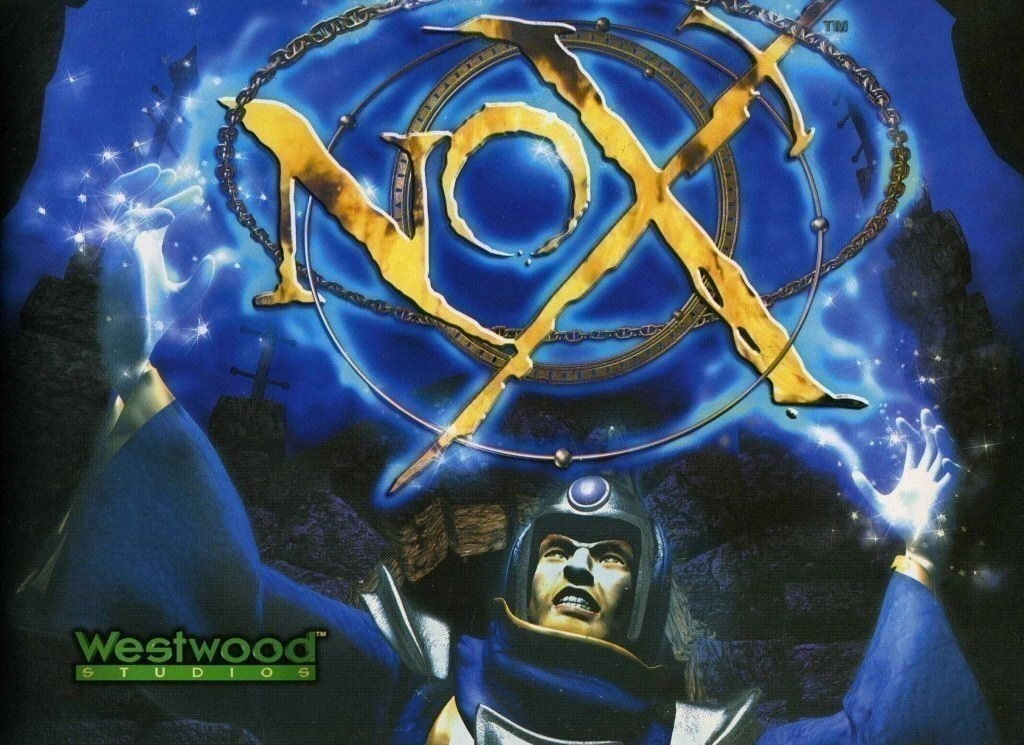
Also known (exclusively by me) as Nox: The Quest For Bacon, this polished but often forgotten PC roleplaying game by real-time strategy pioneers Westwood Studios was well received upon its launch back in the year 2000. Playing as unlikely hero Jack, your day is ruined when, just as you were about to sit down to a fine dinner of bacon, you are accidentally summoned to the realm of Nox during a black magic ritual. In order to get back and consume that most precious pork-based foodstuff, you will need to become a legendary hero and journey across the realm, fighting the usual fantasy monsters and completing quests. Nox was notable for not only having a strong single player campaign, but also great multiplayer too. Certain multiplayer modes can be played on two PCs with only one copy of the game, making Nox another good game for breathing life into those older PCs you may have around the house.
Nox is now part of the GOG preservation program
By far the easiest way to install and play the game is to buy the GoG.com version. This version comes with a new compatibility wrapper that drastically improves compatibility on modern PCs. It also has widescreen support. It even has a video showing the lore content that the original installer provided.
Finally, the GoG.Com version even resurrects the games multiplayer options, meaning you aren’t limited to playing across your home network any more.
The GoG.com version is pre-patched and requires no other compatibility fixes. The only reason to follow the guide below is if you want to install the legacy version from CD-ROM. We strongly suggest that you simply buy the GoG.com version though as it works much better on modern PCs.
Installation (legacy version only)
Nox should install without any difficulties on a modern PC. Simply insert the first CD into your computers optical drive and then follow all on-screen prompts. If you’re interested in playing the single player game, you will want to hang around, as the installer actually narrates quite a bit of the back story to you as the game installs.
Patching (legacy version only)
Before playing, make sure to install the Nox 1.2 patch. This patch can be downloaded here. The patch should install without any issues.
Setting compatibility modes (legacy version only)
Nox requires just one fix before it can be played on modern systems. Use the compatibility mode options to set the game to run in compatibility mode for Windows 98 / Windows Me. If you are unfamiliar with setting compatibility options, see this tutorial. No other compatibility options should be necessary.
Tweaking visual quality
Visual options for Nox can be set by clicking on “Options” on the main menu. The picture below shows the graphical options available to you.

Pay particular attention to the following options:-
- Unlocked DX Surfaces – On most graphics cards, this should be turned off to avoid graphical corruption
- Screen Resolution – Turn this to 1024 x 768. If you’re playing the GoG.com version, you will also have the option of a new 2024 x 576 resolution that should fit modern widescreen monitors much better, without breaking the scaling of the base assets
- 16-Bit Color – Ensure this is set to on, the switch-type control should be on the right as in the picture
You can leave all the other visual options turned on, and configure other settings, such as Input and sound volume to taste.
Nox Quest add on and multiplayer
If you like to play your PC games cooperatively, you may be interested in this free game add on. The Nox Quest add on gives several more multiplayer modes and allows the main quest to be played by two players cooperatively. You will need two PCs and two copies of the game to do this however. You can download this add-on here. This add-on is not needed for the GoG.com version.
Nox was designed originally to feature extensive online multiplayer, however EA games have long since shut the servers down. Play is still possible using custom servers for those dedicated enough to run or find them. Check out this message board on reddit for more information if you are interested.
In 2026, the GoG version of the game restored multiplayer options across both the internet and local area network. If you are interested in playing with your friends, this is the version to get.
I played this game since i’m 5 years old. Now i’am 16 year old i just wanted to play this game again, who ever made this game make me happy :)
Hi! I’m interested to play again this awesome game also online..but when i open ti 1.2patch, a window says that “Old file does not exist” and similar things. What does it means? Please help me!!
I certainly didn’t come across that error when I tested it, though it has been a while. Try uninstalling the game completely, then reinstalling to a different folder (c:\games\nox for instance), then try patching again.
Fixed properly also against visual artifacts and with audio playing correctly here:
http://www.gog.com/forum/nox/real_fixes_for_nox/page1
Welp tried comparability mode fix, no joy. Tried patches and direct x 9, no joy…
Just a big black screen and then kicks me out cant even get to the menu… ah well
This guide just help be get started on a 10 year Nox craving! Thanks so much!